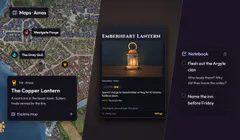


Introducing Campaign Inventory
Create item cards, write straight onto them, track who has what, and keep DM notes separate.
Oct 14, 2026
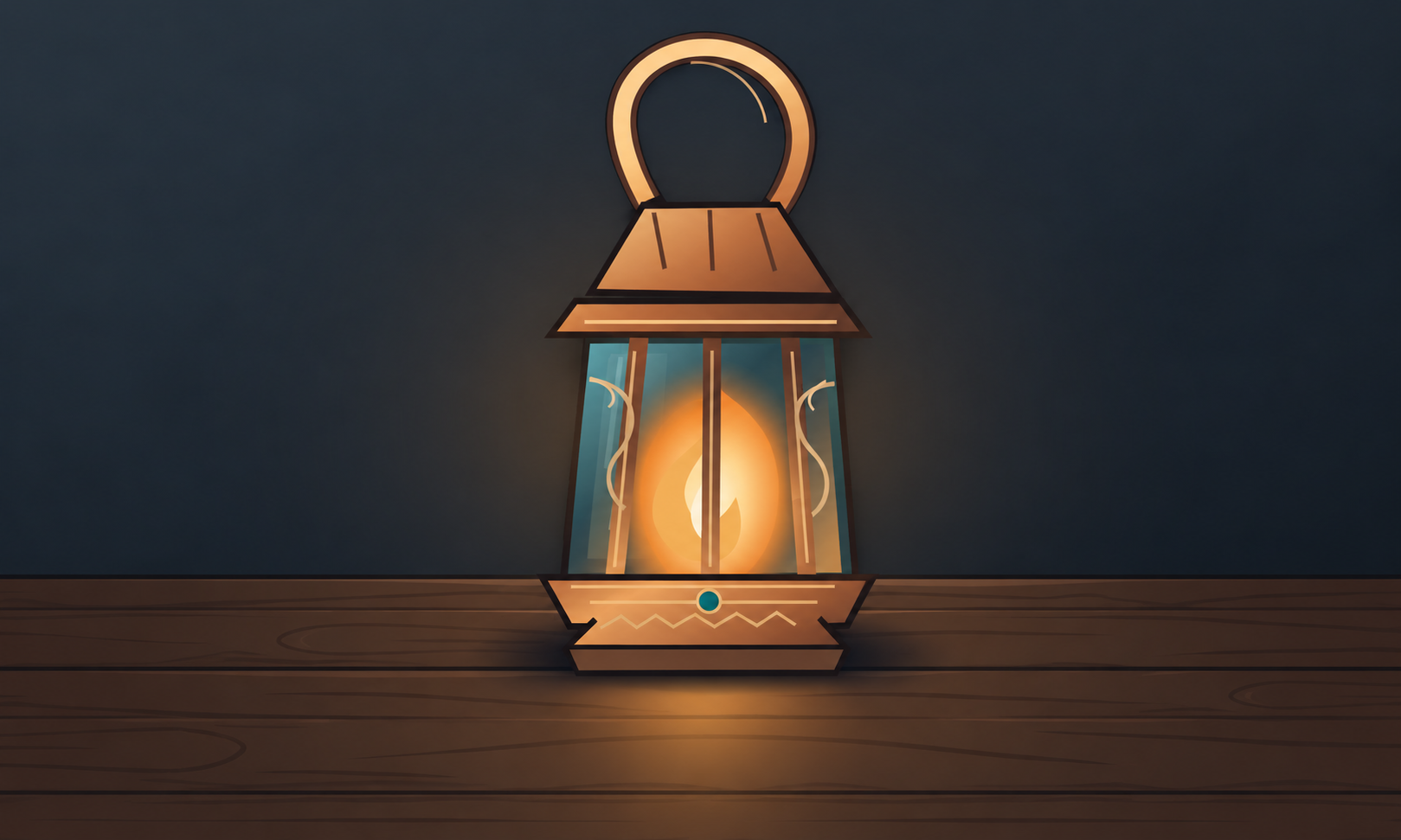
A sword with a history. A potion someone is saving for the wrong moment. A strange lantern the party probably shouldn’t have taken. These are the things people remember from a campaign. Give them a card worth keeping.
Keep equipment, consumables, valuables and shared resources together. Open an item to see its card and details, including who has it and the preparation you want to keep private.
Make the card as you write
Choose Add Item and start with the item type. The editor puts the card in front of you, so you can write into the places where the text will appear. You can see what you’re making as you make it.
You can change the type later. Use a stock symbol, choose artwork from your campaign Gallery, or upload an image. The type gives the card its treatment; changing it keeps your writing and chosen artwork.
Card appearance lets you choose which fields are shown: subtype, attributes, trackers, flavour, links, value and holder, among others. Hide a field when it gets in the way; its content is kept. You don’t need to fill every field to make something useful.
Longer text has room too. Expand editor opens a larger writing area when you need it. It edits the same card content, so you don’t end up with one description on the card and another in a separate notes panel.
Keep track of the things that matter
Use quantities when you’re counting supplies, and holders when it matters who has an item. Different item types have different useful details. There’s no need to treat a personal keepsake like a piece of combat equipment.
Add labelled attributes for the details your game needs, and trackers for charges or uses. The item rules are your own writing, and you update the counts yourself; the cards don’t calculate combat or spend charges automatically.
Search by item, type or holder once your Inventory starts to grow. You can find an item by the information you’ve recorded instead of trying to remember which session’s notes mentioned it.
A place for private preparation
DM notes have their own clearly marked section. Use it for the information behind the item: where it came from, what a character is hiding, or the part you want to reveal later.
That keeps the player-facing card readable. You can write it as something the party would understand, with your preparation stored alongside it for when you need it.
Start with a few items your group already cares about. Open Inventory in your campaign, make a card, and see how much easier it is to return to than a detail buried in an old paragraph.
Open your campaigns to get started.
Have an idea for Multiloop, or spotted a problem?
Sign in to share feedback