

Light and Dark Mode in Multiloop
Choose the theme you prefer, with a campaign background for each.
Oct 17, 2026
Some of you want a darker desk for late-night prep. Some of you want a lighter page. You can now choose Light or Dark mode in Multiloop, and keep using the same campaigns and characters.
Choose once, take it with you
Open your account menu and choose your theme. Your preference is saved to your account, so signing in on another device brings it with you. Following your device’s theme is an option too.
Switching themes doesn’t make a separate version of your campaign. Your notes, cards and maps are the same; the interface changes around them.
A quiet switch on the public site
You’ll find the Light and Dark switch in the footer when browsing the public site. That choice is remembered by your browser; your signed-in workspace uses the preference saved to your account. Dark is the default until you choose something else.
A background for each theme
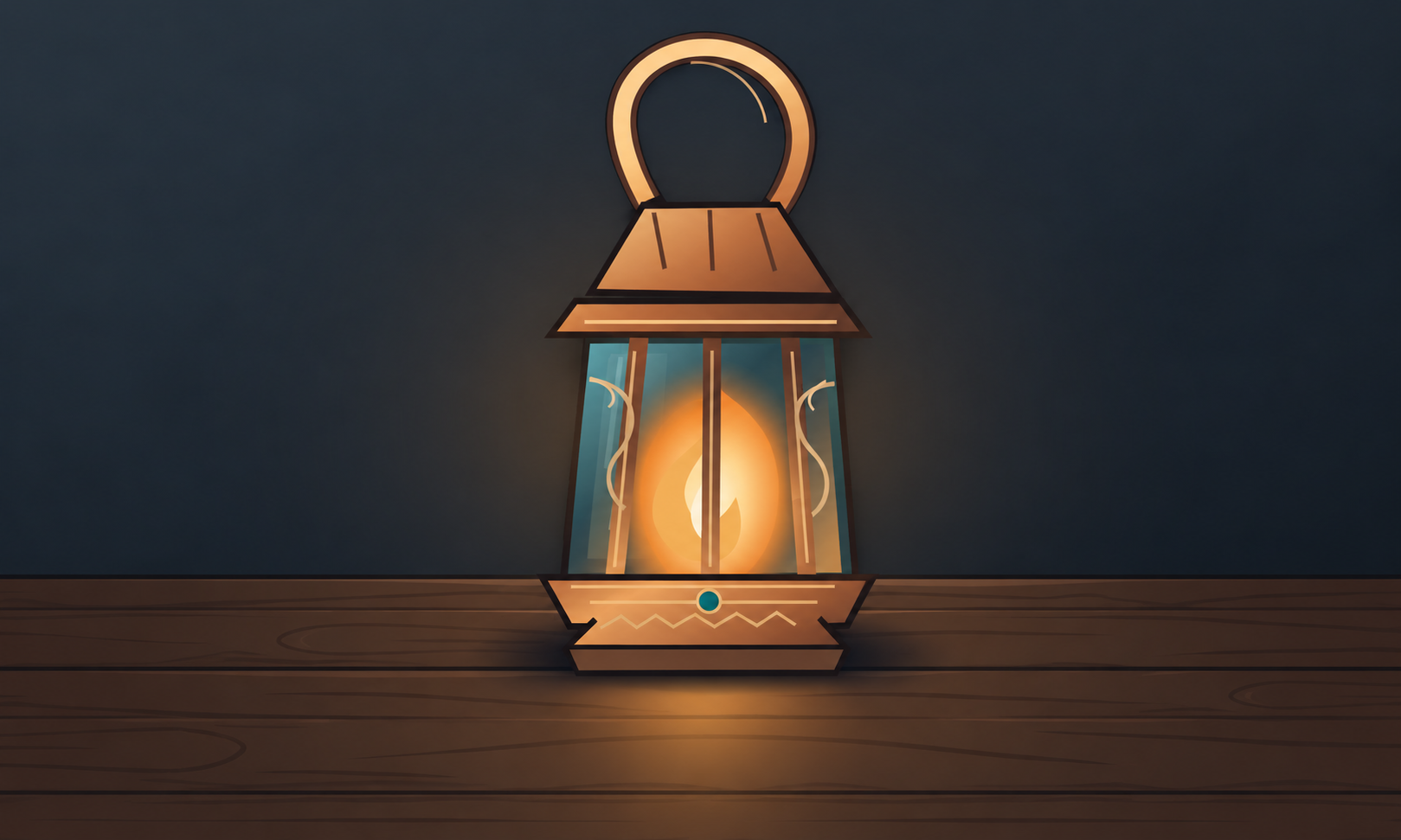
A night scene might be right for Dark mode while a sunlit landscape works better in Light. Campaign background settings let you choose an image for each, use one image in both, or keep either theme without an image.
The two previews show what you’re choosing. When you upload or select an image, choose Light, Dark or both. Your campaign’s cover and square card image stay separate.
The campaign manager chooses the artwork; each member chooses their own theme. You aren’t changing the appearance setting for the rest of your group.
Tell us where it needs another look
If something is hard to read in either theme, send feedback and tell us which page you were on. A screenshot helps us see the same combination of artwork and interface that you’re seeing. Sign in to send it and keep track of our replies.
Open Multiloop and choose the theme you prefer.
Have an idea for Multiloop, or spotted a problem?
Sign in to share feedback